
Programming Your Home Robot: Beginner's Guide to Customisation
Learn how to create custom routines, voice commands, and task schedules for your home robot. No coding experience required.
Robots4Home Team
robots4home.uk
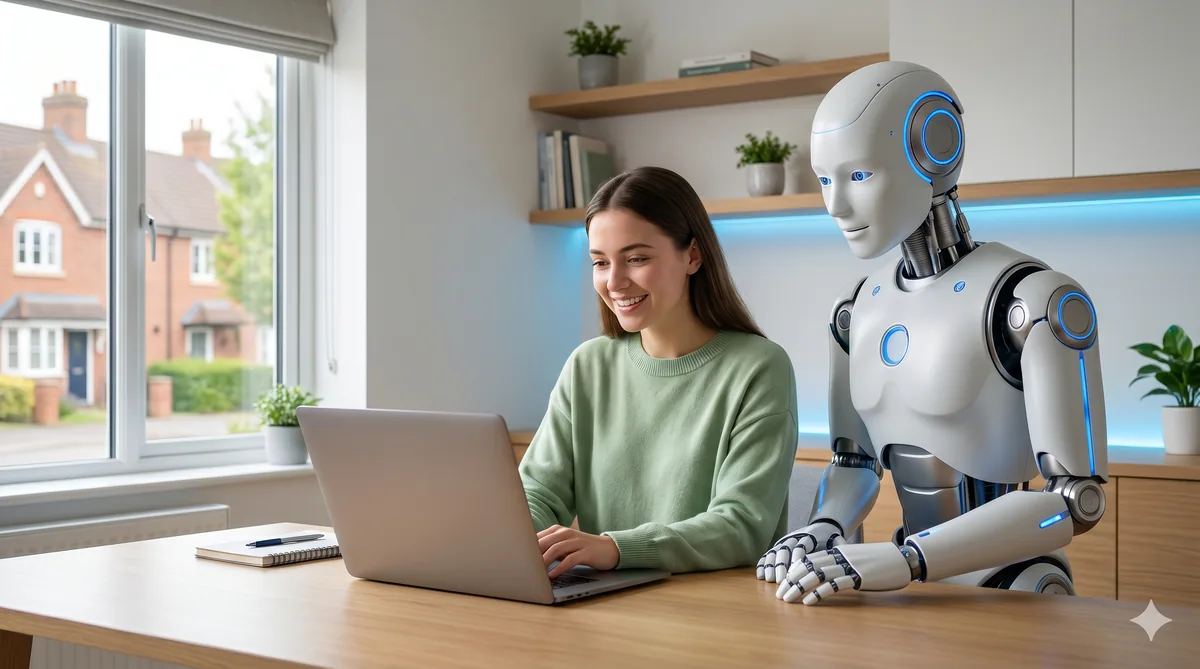
So you have brought a humanoid robot home, followed our setup guide, and watched it navigate your living room for the first time. Now what? The real magic begins when you start telling your robot exactly what you want it to do. Whether that means greeting the family each morning, dimming the lights at bedtime, or patrolling the house while you are away, customisation is what turns a capable machine into a genuinely personal assistant.
The good news is that you do not need a computer science degree to get started. Every mainstream home robot ships with tools that range from simple drag-and-drop apps to full programming frameworks. In this guide, we will walk through every level of customisation — from tapping buttons in a companion app all the way to writing Python scripts and working with ROS2 — so you can pick the path that suits your confidence and ambition.
What You Will Need
Before we dive in, gather a few essentials:
- A laptop or tablet — most companion apps run on iOS, Android, and the web, but a laptop is helpful once you move to code.
- A stable Wi-Fi connection — your robot and your device need to be on the same network.
- The manufacturer’s companion app — installed and paired with your robot (see our setup guide for pairing instructions).
- Patience — programming is iterative. Your first routine will not be perfect, and that is completely fine.
If you plan to write Python or work with ROS2, you will also want a code editor such as VS Code and Python 3.10 or later installed on your machine.
Level 1: No-Code Customisation
If you have never written a line of code in your life, this is where you start — and honestly, this is where most households stay. Modern companion apps are remarkably powerful.
Companion Apps and Drag-and-Drop Routines
Every robot we cover in our best home robots roundup includes a companion app. These apps let you build routines by dragging trigger blocks (time of day, voice command, sensor event) onto action blocks (speak, move, control a smart device). Think of it like building a playlist: you choose the songs and the order, and the robot plays them back.
For example, a simple “Good Morning” routine might look like this:
- Trigger: 7:00 AM on weekdays
- Action: Navigate to the hallway
- Action: Say “Good morning! The weather today is…” (pulling live data)
- Action: Turn on the kitchen lights via your smart home integration
Most apps also include a library of pre-built routines that you can install with a single tap and then tweak to your liking.
Voice Command Setup
Voice commands are the fastest way to interact with your robot day-to-day. In your companion app, you will find a section for custom voice triggers. Here you define a phrase — say, “Start patrol mode” — and map it to a routine or single action. We recommend keeping phrases short and distinct to avoid misfires. For a deeper look at training your robot to understand your household’s speech patterns, see our training guide.
Level 2: Visual and Block-Based Programming
Once you have outgrown the companion app’s drag-and-drop builder, visual programming offers a natural next step. Several manufacturers provide Scratch-like interfaces — either built into their apps or as standalone desktop tools — where you snap together coloured blocks to create logic flows.
Block programming introduces concepts like loops (repeat an action five times), conditionals (if the front sensor detects an obstacle, turn left), and variables (remember the number of laps completed). You are writing real programs, but without worrying about syntax errors or missing semicolons.
This level is particularly brilliant for families. Children as young as eight can build block programs that make the robot dance, follow a colour trail, or announce when someone rings the doorbell. It is genuine STEM education disguised as play.
A Sample Block Program: Tidy-Up Reminder
Imagine you want the robot to remind everyone to tidy up the living room each evening:
- When the time is 18:30
- Move to living room waypoint
- If people are detected in the room, then say “It’s tidy-up time! Let’s spend ten minutes clearing up.”
- Wait ten minutes
- Say “Great job, team!”
In a block editor, each of those steps is a draggable tile. You connect them top to bottom, hit “Run,” and the robot executes the sequence. No typing required.
Level 3: Python Scripting for Robots
Python is the lingua franca of robotics, and most home robots expose a Python SDK or API that lets you go far beyond what visual tools allow. If you can write a basic Python script — defining variables, using if-statements, calling functions — you can unlock features like custom navigation paths, sensor data processing, and integration with external services.
Getting Started with Python
A typical first script might look something like this conceptually: you import the robot’s SDK library, connect to the robot over your local network, instruct it to speak a phrase, move to a named location, and then disconnect. The SDK documentation for your specific model will walk you through the exact method names and connection details.
The key concepts to learn early are:
- Connecting to the robot — usually via a local IP address or device name.
- Sending movement commands — telling the robot to navigate to a waypoint or move in a specific direction.
- Reading sensor data — accessing the camera feed, LIDAR scans, or microphone input.
- Handling events — reacting when the robot detects a person, hears a wake word, or reaches a destination.
Python scripting is where you can start building truly bespoke behaviours. Want the robot to fetch weather data from an online API and adjust its morning greeting accordingly? Python makes that straightforward. Want it to log how many times the back door opens each day? Also straightforward.
Level 4: ROS2 for Advanced Users
If you are an engineer, a robotics student, or simply someone who relishes a technical challenge, ROS2 (Robot Operating System 2) is the gold standard framework for robot programming. It is open-source, massively extensible, and used across commercial and research robotics worldwide.
ROS2 uses a publish-subscribe architecture: different parts of the robot (cameras, motors, speech modules) publish data to topics, and your code subscribes to the topics it cares about. This makes it straightforward to build complex behaviours from simple, modular components.
Getting ROS2 running typically involves installing it on an Ubuntu machine (a dedicated laptop or a virtual machine works well) and connecting to your robot’s onboard ROS2 nodes. From there, you can write nodes in Python or C++ that interact with every part of the hardware.
ROS2 is overkill for most households, but if you want to experiment with SLAM (simultaneous localisation and mapping), custom computer vision pipelines, or multi-robot coordination, it is the right tool. To understand the sensors and hardware you will be interfacing with, our features explained article provides useful background.
API Access and SDKs by Model
Not every robot offers every level of customisation. Here is a quick overview of what each major model supports:
- Bumi — focused on simplicity. Customisation happens almost entirely through its companion app, which offers drag-and-drop routines, voice command mapping, and a library of community-shared routines. No coding required or expected.
- Unitree G1 — the most developer-friendly option. Ships with full ROS2 support and a comprehensive Python SDK. Ideal for users who want low-level control over sensors, navigation, and behaviour planning.
- NEO — strikes a middle ground with its task scheduler app, which provides a timeline-based interface for sequencing complex behaviours. Power users can export and edit task definitions in JSON.
- Robot 1 (R1) — offers a polished Python SDK with high-level abstractions for common tasks (navigation, speech, object recognition). You write less code to achieve more, making it a strong choice for Python beginners.
Whichever model you own, start with the manufacturer’s documentation and example projects before branching out.
Creating Custom Routines: Three Ideas to Try
Here are three practical routines that cover different skill levels:
1. Morning Greeting (No-Code)
Set a weekday trigger at your usual wake-up time. Have the robot navigate to the kitchen, announce the weather and your first calendar event, then turn on the coffee machine via your smart plug. This can be built entirely in a companion app in under ten minutes.
2. Security Patrol (Visual/Python)
Define a series of waypoints around your home (front door, back garden, garage). Set the robot to visit each one in sequence every two hours overnight. At each waypoint, it takes a photo and checks for unexpected motion. If anything unusual is detected, it sends a notification to your phone. The waypoint loop is easy to build in a block editor; adding the notification logic is a good first Python project.
3. Tidy-Up Assistant (Python/ROS2)
Program the robot to scan the living room floor using its camera, identify objects that are out of place (shoes, toys, remote controls), and either pick them up or announce what it has found. Object detection is where Python libraries and ROS2 nodes really shine, though this is firmly an intermediate-to-advanced project.
Community Resources and Tutorials
You are never alone when learning to program your robot. Here are the best places to find help:
- Manufacturer forums and Discord servers — every major brand runs an active community where users share routines, troubleshoot issues, and post tutorials.
- GitHub repositories — search for your robot’s model name to find open-source scripts, ROS2 packages, and example projects.
- YouTube channels — visual learners will find step-by-step video guides for everything from first setup to advanced ROS2 workflows.
- Reddit communities — subreddits like r/robotics and model-specific groups are excellent for quick questions and inspiration.
- Our own guides — we regularly publish tutorials right here on Robots4Home, so check back often or subscribe to our newsletter.
Common Beginner Projects
If you are not sure where to start, these projects are popular first steps in the community:
- Doorbell greeter — the robot moves to the front door and welcomes visitors when the doorbell rings.
- Bedtime routine — lights off, doors locked (via smart home), and a gentle “Goodnight” from the robot.
- Pet monitor — the robot follows your pet around the house and streams video to your phone.
- Exercise coach — the robot leads you through a stretching routine each morning, counting reps and offering encouragement.
- Shopping list reader — ask the robot what is on the list, and it reads out items you have added via the app.
Safety Considerations When Programming
Customisation is exciting, but we need to be sensible about it. A few important rules:
- Test new routines in a clear space. Before running a navigation routine in a furnished room, test it in an open area to make sure the robot moves as expected.
- Set speed limits. Most SDKs let you cap movement speed. Keep it low while you are experimenting.
- Never disable safety sensors. Cliff sensors, bump sensors, and emergency stop functions exist for a reason. Your code should work alongside them, not around them.
- Supervise early runs. Watch the robot execute a new routine at least two or three times before leaving it to run unattended.
- Keep firmware updated. Manufacturers regularly release safety patches and stability improvements. Always run the latest version.
- Be mindful of privacy. If your routine involves cameras or microphones, make sure everyone in the household knows and consents.
For a broader look at what your robot’s hardware is capable of — and how its safety systems work — have a read of our features explained guide.
Where to Go from Here
The best advice we can give is simply to start. Open your companion app tonight, build a single routine, and run it. Once you see your robot doing something you told it to do, you will be hooked. From there, you can progress to block programming, then Python, and eventually ROS2 if curiosity takes you that far.
Every expert was once a beginner who decided to press “Run” for the first time. Your robot is ready when you are.